Skip to content
  • All Imganva Tools
    • Image Compressor
      • Change Image File Size in KB
      • Compress Image to 50KB
      • Compress Image to 100KB
    • Image Converter
      • PNG to JPG Converter
      • JPG to PNG Converter
    • Image to Text
      • Extract Text from Image
    • Image Resizer
      • Resize Image Online
      • Resize Image for Instagram
      • Passport Photo Resizer
  • Resources
    • Blog
    • Guides
  • Company
    • About Us
    • Contact Us
    • Privacy Policy
IMGanva
  • All Imganva Tools
    • Image Compressor
      • Change Image File Size in KB
      • Compress Image to 50KB
      • Compress Image to 100KB
    • Image Converter
      • PNG to JPG Converter
      • JPG to PNG Converter
    • Image to Text
      • Extract Text from Image
    • Image Resizer
      • Resize Image Online
      • Resize Image for Instagram
      • Passport Photo Resizer
  • Resources
    • Blog
    • Guides
  • Company
    • About Us
    • Contact Us
    • Privacy Policy
Start Using Tools
IMGanva
Why Is My Image File Size Too Large

Why Is My Image File Size Too Large

  • Compressor

You take a photo, or maybe just a screenshot, and the file turns out to be 8MB when it feels like it should be a fraction of that. Then an upload form rejects it, or an email bounces back. This happens more often than people…
Read MoreWhy Is My Image File Size Too Large
  • Divyanshu Shaw
  • July 5, 2026
compress image without losing quality

How to Compress an Image Without Losing Quality

  • Compressor

Compressing an image without losing quality is possible, but it depends on what you mean by “quality” and what the image is actually used for. Some formats allow lossless compression where no data is discarded. Others reduce file size by removing data you probably won’t…

Read MoreHow to Compress an Image Without Losing Quality
  • Divyanshu Shaw
  • June 30, 2026
mobile image tools

Mobile Image Tools Guide 2026

  • Guides

Most image editing, compression, conversion, and OCR work happens on phones now. The camera is always with you, storage fills up fast, and for plenty of tasks resizing a photo before uploading it to a form, extracting text from a document, converting a HEIC file…

Read MoreMobile Image Tools Guide 2026
  • Divyanshu Shaw
  • June 25, 2026
ocr guide image to text

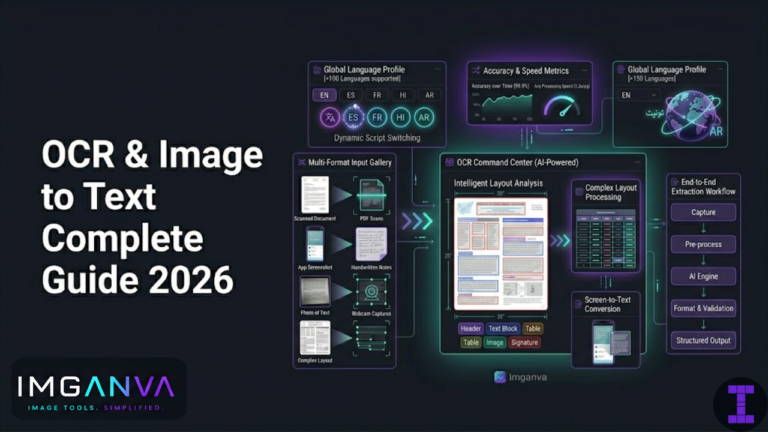
OCR & Image to Text Complete Guide 2026

  • Guides, OCR

OCR optical character recognition is the technology that reads text from images and converts it into editable, searchable content. You photograph a receipt, scan a contract, or screenshot a paragraph you can’t copy, and OCR pulls the actual text out of the image so you…

Read MoreOCR & Image to Text Complete Guide 2026
  • Divyanshu Shaw
  • June 20, 2026
social media image size guide

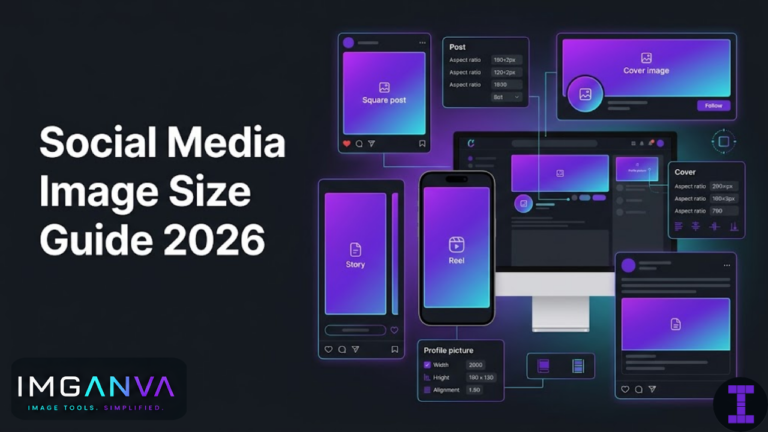
Social Media Image Size Guide 2026

  • Guides, Resizer

Social platforms resize and recompress every image you upload. If you don’t start with the right dimensions, the platform decides how to crop and compress it and that rarely goes the way you want. A profile picture that looks sharp on your screen becomes a…

Read MoreSocial Media Image Size Guide 2026
  • Divyanshu Shaw
  • June 15, 2026
exam photo size requirements

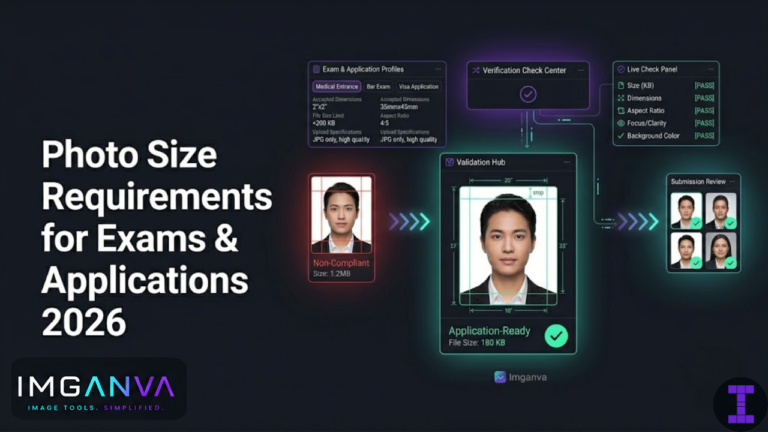
Photo Size Requirements for Exams & Applications 2026

  • Guides, Images for Exams, Resizer

Uploading the wrong photo size is one of the most common reasons applications get rejected before anyone even reads them. The dimensions are off by a few pixels, the file is 50KB over the limit, or the background color isn’t quite right and the form…

Read MorePhoto Size Requirements for Exams & Applications 2026
  • Divyanshu Shaw
  • June 10, 2026
screenshot to text

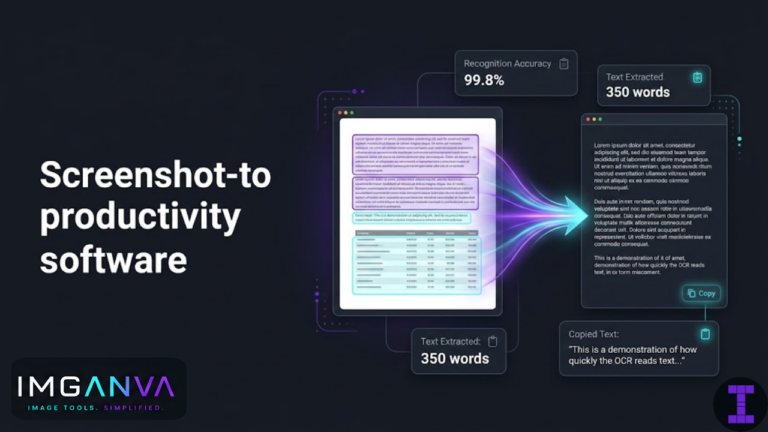
Screenshot to Text: The Fastest Way to Copy Text from Images

  • OCR

You’re looking at a screenshot a chat message, an error log, a receipt, a slide from a presentation and you need the text from it. Not to describe it, just to actually copy and use the words. The fastest way to do this is to…

Read MoreScreenshot to Text: The Fastest Way to Copy Text from Images
  • Divyanshu Shaw
  • June 9, 2026
optimize images for website speed

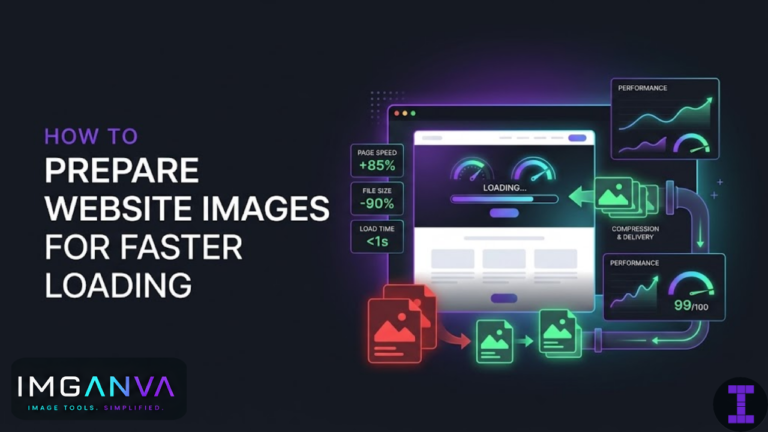
How to Prepare Website Images for Faster Loading

  • Compressor

Images are usually the heaviest part of a webpage. A site with fast CSS and clean code can still load slowly if the images haven’t been prepared properly. The good news is that image optimization doesn’t require complex tools or deep technical knowledge a few…

Read MoreHow to Prepare Website Images for Faster Loading
  • Divyanshu Shaw
  • June 8, 2026
png to jpg

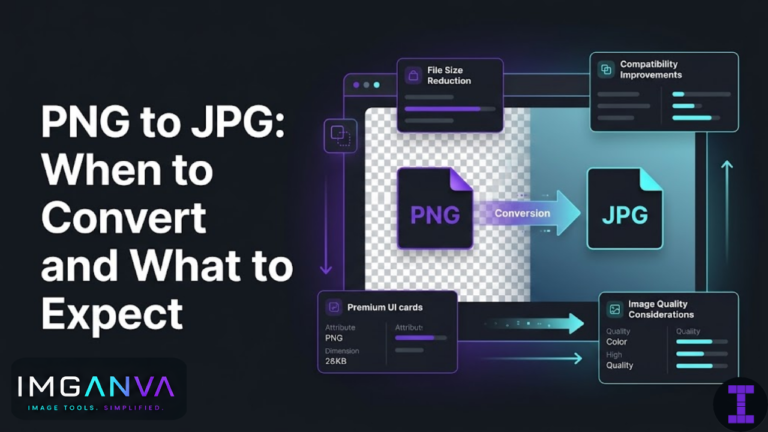
PNG to JPG: When to Convert and What to Expect

  • Converter, Image Formats

PNG and JPG are the two formats you’ll deal with most. They’re both common, both work in browsers and most applications, but they’re built differently and suited to different things. Converting from PNG to JPG is often useful but not always the right move, and…

Read MorePNG to JPG: When to Convert and What to Expect
  • Divyanshu Shaw
  • June 7, 2026
reduce image size for online forms

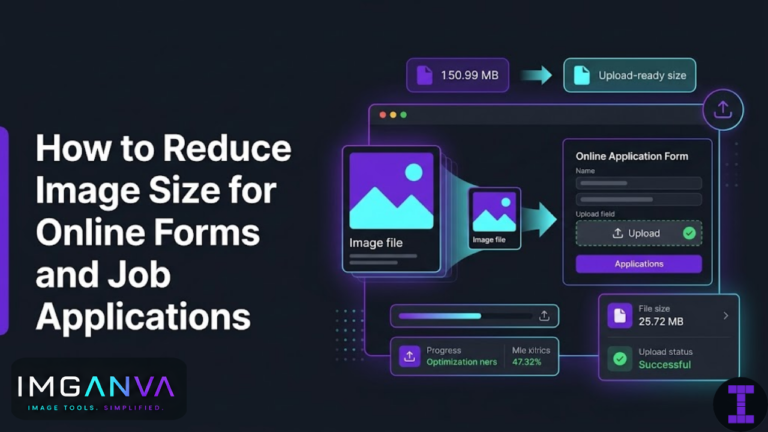
How to Reduce Image Size for Online Forms and Job Applications

  • Resizer

Almost every online form that asks you to upload a photo has a file size limit. Government portals, job application systems, university admission forms, examination registration sites they all do it. And the limit is often frustratingly small: 100KB, 200KB, 500KB. If your photo or…

Read MoreHow to Reduce Image Size for Online Forms and Job Applications
  • Divyanshu Shaw
  • June 6, 2026
image format conversion guide

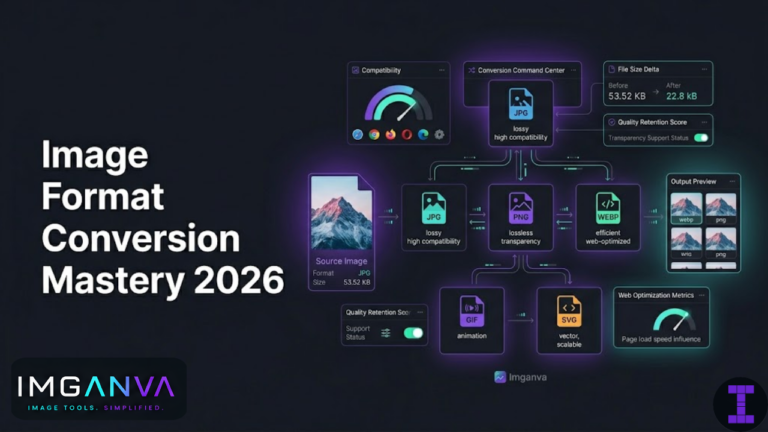
Image Format Conversion Guide 2026

  • Converter, Guides, Image Formats

Converting an image from one format to another sounds simple and often it is. But pick the wrong format for the job and you’ll end up with a logo that looks muddy, a photo that’s five times larger than it needs to be, or a…

Read MoreImage Format Conversion Guide 2026
  • Divyanshu Shaw
  • June 5, 2026
  • 5 Comments
why webp is better for websites

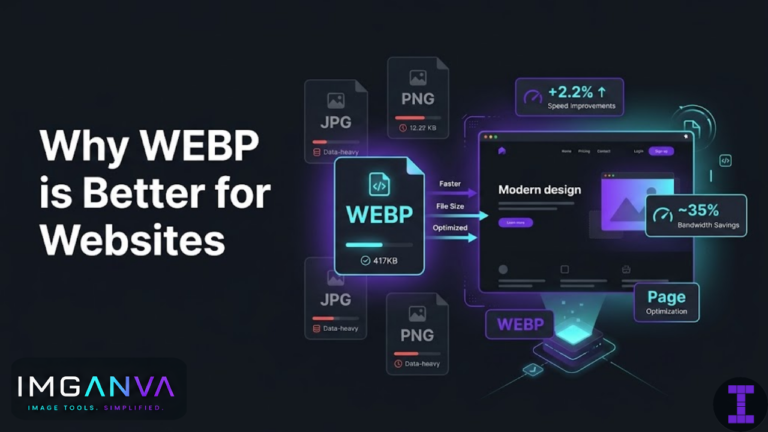
Why WEBP Is Better for Websites

  • Converter, Image Formats

If you’re running a website and your images are still in JPG or PNG, you’re probably loading more data than you need to. WEBP is a modern image format developed by Google that gives you smaller file sizes without a visible drop in quality. For…

Read MoreWhy WEBP Is Better for Websites
  • Divyanshu Shaw
  • June 4, 2026
extract text from image online

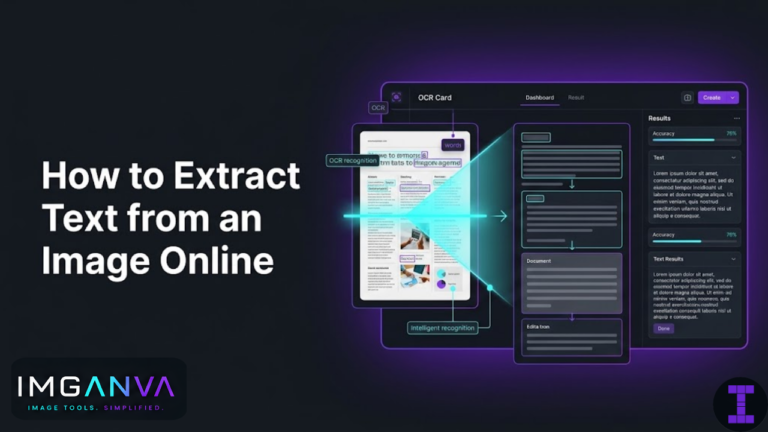
How to Extract Text from an Image Online

  • OCR

If you have a photo, screenshot, or scanned document with text in it, you can pull that text out in seconds using an OCR tool no typing, no software to install. The process is quick and works directly in your browser. Here’s how to do…

Read MoreHow to Extract Text from an Image Online
  • Divyanshu Shaw
  • June 3, 2026
resize passport photo online

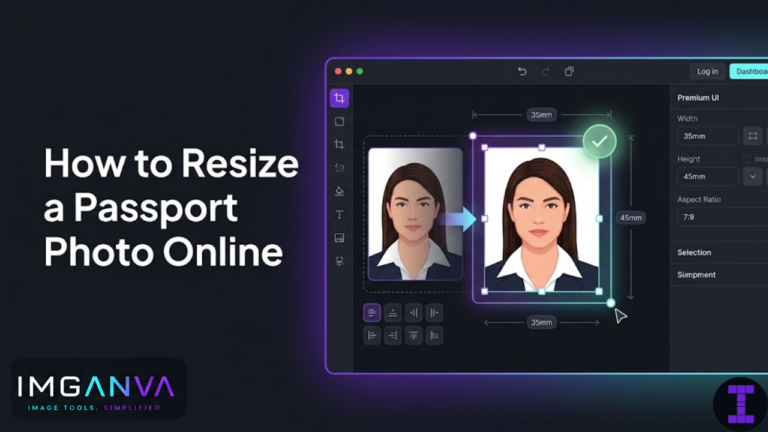
How to Resize a Passport Photo Online

  • Resizer

Passport photo requirements are specific and they vary depending on where you’re applying. The wrong dimensions, the wrong file size, or the wrong format can get your application rejected. This guide covers what sizes are actually required, how to prepare your photo correctly, and how…

Read MoreHow to Resize a Passport Photo Online
  • Divyanshu Shaw
  • June 2, 2026
image compression guide

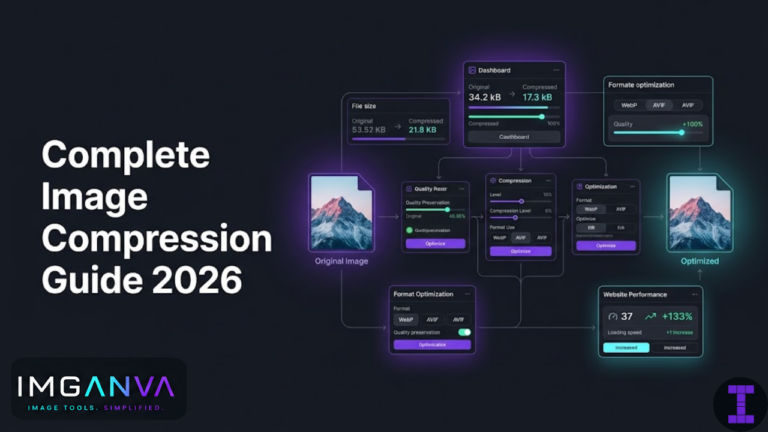
Complete Image Compression Guide 2026

  • Compressor, Guides

Image compression is one of those things that either makes your website fast or quietly kills it. A photo that looks fine on your screen might be 4MB sitting in your uploads folder, slowing down every page load, inflating mobile data usage, and hurting your…

Read MoreComplete Image Compression Guide 2026
  • Divyanshu Shaw
  • June 1, 2026
  • 1 Comment
best image size for instagram

Best Image Size for Instagram Posts, Stories, and Reels

  • Resizer

  Instagram doesn’t reject wrongly-sized images it just crops or compresses them in ways you didn’t intend. Getting the dimensions right before you upload means your images look exactly how you want them to, every time. Here are the recommended sizes for every Instagram format…

Read MoreBest Image Size for Instagram Posts, Stories, and Reels
  • Divyanshu Shaw
  • May 31, 2026
jpg vs png vs webp

JPG vs PNG vs WEBP: Which Format Should You Use?

  • Converter, Image Formats

The short answer: use JPG for photos, PNG for graphics and transparency, and WebP when you want the best of both with smaller file sizes especially for web use.But format choice isn’t always that clean. The right pick depends on what the image contains, where…

Read MoreJPG vs PNG vs WEBP: Which Format Should You Use?
  • Divyanshu Shaw
  • May 30, 2026
compress image without losing quality

How to Compress an Image Without Losing Quality

  • Compressor

Compressing an image always involves some tradeoff but in most cases, you can reduce file size significantly without any visible quality loss. The trick is knowing which format to use, how far to push compression, and where that line is before things actually start to…

Read MoreHow to Compress an Image Without Losing Quality
  • Divyanshu Shaw
  • May 29, 2026
Prev
1 2 3
Next
  • All Imganva Tools
  • Company
  • Blog

Contact Us!

Mail us at:
imganva@gmail.com

Submit a Form:
Here

Copyright © 2026 - All Rights Reserved-Imganva