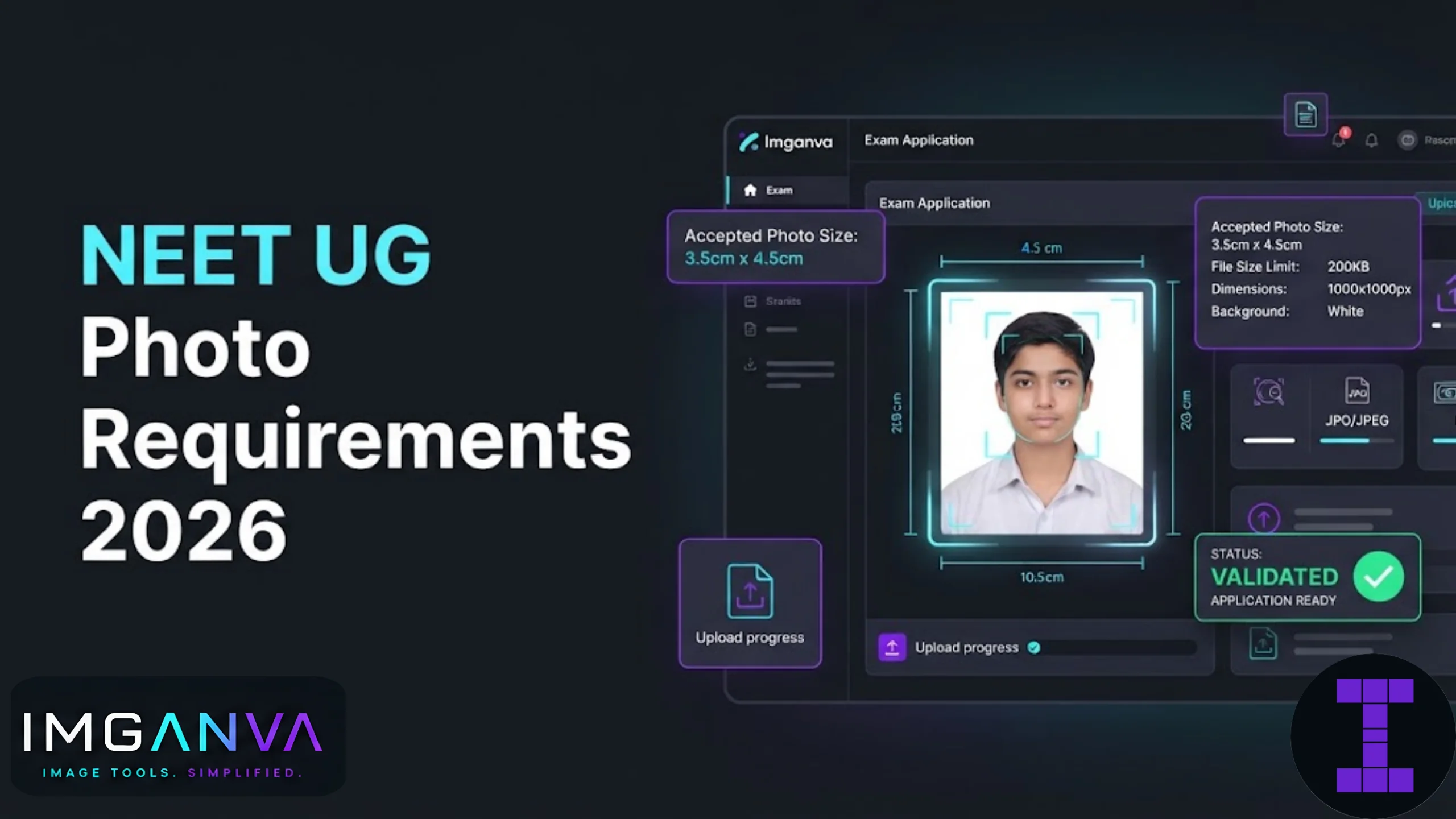

Getting the NEET UG photo wrong is one of the most common reasons applications get stuck or rejected during the NTA registration window. The specifications look simple on paper, but between the passport photo, the postcard photo, the signature, and now a live photo capture, it’s easy to upload the wrong size and have to start over. Here’s exactly what NTA asks for and how to prepare each file without guesswork.
Key Takeaways
- NEET UG 2026 requires a passport size photo, a postcard size photo (4×6 inches), a signature, and a live photo capture during registration.
- Passport and postcard photos must be 10 KB to 200 KB, in JPG/JPEG format, with a plain white background.
- The signature file must be between 10 KB and 100 KB in JPG/JPEG format.
- At least 80% of the face, including the ears, must be visible, with no cap, mask, or tinted glasses.
- The photo must be taken on or after January 1, 2026, and should not be older than 3 months at the time of upload.
- The postcard size photo also needs to be printed and carried to the exam centre, pasted on the admit card proforma.
NEET UG 2026 Photo and Signature Specifications
NTA lists these requirements in the official Information Bulletin. Here’s a quick reference table covering everything you’ll need to upload.
| Document | Dimensions | File Size | Format |
|---|---|---|---|
| Passport size photo | 3.5 cm x 4.5 cm | 10 KB – 200 KB | JPG/JPEG |
| Postcard size photo | 4 inches x 6 inches | 10 KB – 200 KB | JPG/JPEG |
| Signature | Standard signature box | 10 KB – 100 KB | JPG/JPEG |
| Left & right hand finger/thumb impressions | As per proforma | 10 KB – 200 KB | JPG/JPEG |
Note that NTA doesn’t publish an official pixel value for the postcard photo, but a commonly used equivalent at 72 DPI works out to roughly 288 x 432 pixels. For the passport photo, many candidates use around 275 x 354 pixels as a safe working size, then adjust compression until the file lands inside the 10 KB to 200 KB band.
Photo Rules You Can’t Skip
Beyond size and format, NTA is strict about how the photo actually looks. These rules apply to both the passport and postcard photos:
- Plain white background, no patterns or shadows
- Photo taken on or after January 1, 2026
- At least 80% of the face and both ears clearly visible
- No cap, mask, or sunglasses; spectacles are fine only if worn regularly, with no tint or glare
- Colour photograph, not black and white
- No Polaroid prints, computer-generated images, or morphed/edited photos
NEET UG 2026 also introduced a live photo capture step during the application process, which is compared against your uploaded photograph and your Aadhaar record. If the live capture doesn’t reasonably match the uploaded photo, you could run into verification issues later, so it genuinely helps to use a recent, accurate photo rather than an old or heavily edited one.
How to Prepare Your NEET Photo Correctly
- Take the photo against a white background. Natural daylight from a window works better than harsh indoor lighting, which tends to create shadows on one side of the face.
- Crop to the right proportions. For the passport photo, crop close to a 3.5:4.5 ratio. For the postcard photo, keep the 4:6 ratio intact. Use the Imganva Image Resizer to set exact dimensions without distorting the image.
- Check the format. If your camera or scan saved the file as PNG or HEIC, convert it to JPG first.
- Compress to fit the KB range. This is where most uploads fail. A phone photo can easily be 2-4 MB, far above the 200 KB ceiling. Run it through the Imganva Image Compressor and bring it down gradually rather than over-compressing in one step, which can make the face look blurry during verification.
- Verify the final file. Open the compressed image at full size and check that facial features are still sharp, not smeared or pixelated.
- Repeat for the signature. Sign in running handwriting with black or blue ink on plain white paper, scan or photograph it clearly, then compress it separately to the 10-100 KB range.
If you’re aiming for a specific file size ceiling rather than a range, the Compress Image to 100KB tool is a fast way to land safely within NTA’s 200 KB upper limit while keeping the photo well clear of the 10 KB floor.
Common Mistakes Candidates Make
| Mistake | Why It Causes Problems |
|---|---|
| Uploading a selfie instead of a proper photo | Wrong aspect ratio, poor lighting, and often fails the 80% face visibility rule |
| Using an old photo from a previous exam | NTA requires the photo to be taken after January 1, 2026; older photos get flagged during verification |
| Compressing too aggressively to hit a low KB target | Face becomes blurry or pixelated, which can cause manual verification issues at the centre |
| Skipping the postcard size photo | It’s required at the exam centre on the admit card proforma, separate from the passport photo |
| Saving the file as PNG or WEBP | NTA’s portal only accepts JPG/JPEG; other formats get rejected on upload |
| Using a photo with a colored or busy background | Only a plain white background is accepted for both photo types |
One thing worth being upfront about: no compression tool can fix a fundamentally poor photo. If the lighting is bad or the face is at an angle, compressing it correctly won’t solve the underlying problem. It’s worth taking a fresh, well-lit photo before worrying about file size at all.
Passport vs Postcard Photo: What’s the Difference?
Candidates often confuse these two, so here’s the distinction in plain terms.
| Aspect | Passport Size Photo | Postcard Size Photo |
|---|---|---|
| Used for | Online application form upload | Application upload and physical admit card proforma |
| Dimensions | 3.5 cm x 4.5 cm | 4 inches x 6 inches |
| Copies needed | 6 to 8 physical copies | 4 to 6 physical copies |
| Carried to exam centre | Not required to carry | Required, pasted on proforma |
Both need to look identical to what was uploaded during registration, since mismatched photos are flagged during identity checks at the exam centre.
This kind of exact-size, exact-format requirement isn’t unique to NEET. If you’re also applying to other exams alongside NEET, it’s worth reading the broader photo size requirements guide for exams and applications, which covers UPSC, SSC, JEE, and other portals with similar rules.
Quick Checklist Before You Upload
- Photo taken on or after January 1, 2026
- White background, no cap or tinted glasses, 80% face and ears visible
- Passport photo sized to 3.5 cm x 4.5 cm
- Postcard photo sized to 4 x 6 inches
- Both photos between 10 KB and 200 KB
- Signature between 10 KB and 100 KB
- All files saved as JPG or JPEG
- Files renamed clearly so you don’t upload the wrong one by mistake
Frequently Asked Questions
What is the exact photo size required for NEET UG 2026?
NEET UG 2026 requires a passport size photo of 3.5 cm x 4.5 cm and a postcard size photo of 4 inches x 6 inches, both between 10 KB and 200 KB in JPG format.
What file size should the NEET UG photo be?
Both the passport and postcard size photos must be between 10 KB and 200 KB. Files below or above this range are usually rejected by the application portal.
Can I use a black and white photo for NEET UG?
No, NTA requires a colour photograph with a plain white background and clear facial visibility.
Is the postcard size photo compulsory for NEET 2026?
Yes, the postcard size photo is required both during the online application and later at the exam centre, where it’s pasted on the admit card proforma.
What is the signature file size limit for NEET UG 2026?
The signature file must be between 10 KB and 100 KB in JPG or JPEG format, uploaded separately from the photograph.
Can I upload an old photo for NEET UG 2026?
No, the photo must be taken on or after January 1, 2026. Older photos, including ones used for previous NEET attempts, are not accepted.
Why does my NEET photo keep getting rejected during upload?
Rejections usually happen due to incorrect file size, wrong format like PNG instead of JPG, a non-white background, or less than 80% face visibility.
Can I wear glasses in my NEET UG photo?
Yes, if you wear glasses regularly, but they must not have any tint, glare, or reflection covering your eyes.
How do I reduce my NEET photo file size without losing quality?
Use an online image compressor that lets you control the output size directly, rather than resaving at a lower quality repeatedly, which degrades the image each time.
Does NEET UG 2026 require a live photo capture too?
Yes, in addition to the uploaded photograph, NEET UG 2026 includes a live photo capture step that is compared against your submitted photo and Aadhaar record.
Summary
NEET UG 2026 needs a passport photo at 3.5 cm x 4.5 cm, a postcard photo at 4 x 6 inches, and a signature, all in JPG format within specific KB ranges. Most upload failures come down to file size or background, not the photo itself. Take a fresh, well-lit photo against a white background, then resize and compress it in stages rather than all at once, checking clarity at every step. Always cross-check the current NEET Information Bulletin on the official NTA portal before your final submission, since exam bodies do revise specifications between sessions.