
If you’re filling out the SSC CGL 2026 application and stuck on the photo and signature upload step, here’s the short version: your signature needs to sit between 10 KB and 20 KB in JPEG or JPG format. Get the dimensions or file size wrong and the portal will either reject the file outright or flag it during document verification later, which is worse.
This guide covers the exact specifications for both photo and signature, how to hit those numbers without ending up with a blurry or unreadable file, and the mistakes that trip up most candidates during the online registration (OTR) process.
Key Takeaways
- SSC CGL signature file size must be between 10 KB and 20 KB, saved as JPEG or JPG.
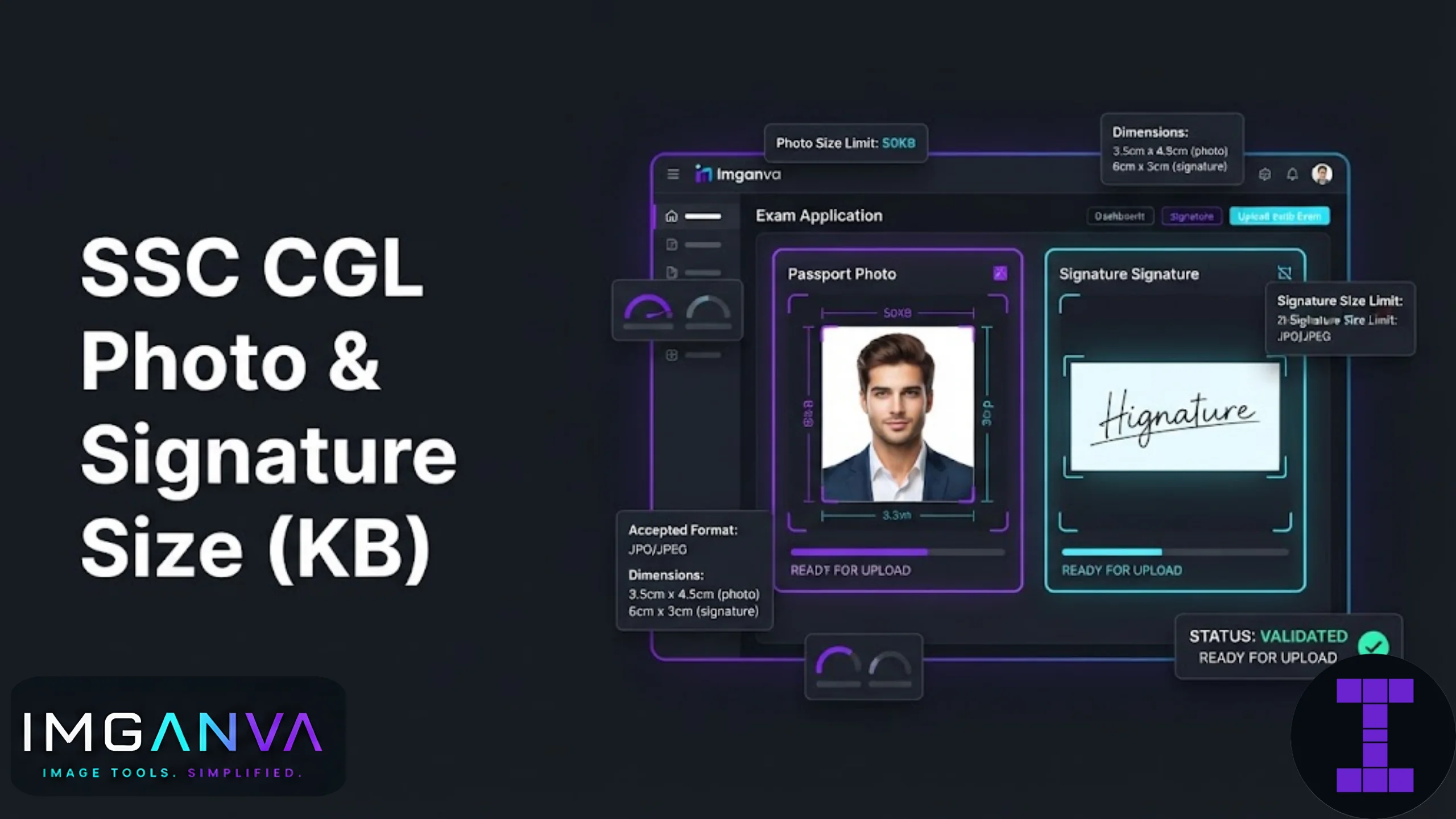
- Signature dimensions are commonly listed around 6.0 cm x 2.0 cm, though some sources cite 4.0 cm x 2.0 cm or pixel equivalents like 140x60px. Always confirm against the current year’s official notification since minor variations exist across cycles.
- For SSC CGL 2026 OTR registration, the photo is captured live through your webcam or phone camera directly on the portal. You don’t upload a saved photo file for this step.
- A separate physical passport-style photo (commonly 3.5 cm x 4.5 cm, white background) is still needed for document verification and other offline stages.
- Sign in black ink on plain white paper. A thicker pen stroke holds up better once the file is compressed down to the 10 to 20 KB range.
SSC CGL Signature Size Requirements 2026
The signature is scanned or photographed separately from your live photo and uploaded as a standard image file. Here’s what the specification looks like based on recent notification cycles.
| Requirement | Specification |
|---|---|
| File format | JPEG / JPG only |
| File size | 10 KB to 20 KB |
| Dimensions (commonly cited) | 6.0 cm x 2.0 cm (approx. 236 x 79 px) |
| Alternate figures seen | 4.0 cm x 2.0 cm, or 140 x 60 px in some resizer references |
| Ink colour | Black ink on white paper |
| Background | Plain white, no ruled or coloured paper |
The pixel dimensions floating around on various exam-prep sites are usually back-calculated from the physical cm measurement at a standard DPI, not something SSC states directly in the notification. SSC’s own PDF notifications list physical size in centimetres and file size in KB. Treat any pixel number you see online as a helpful approximation rather than the literal official spec, and cross-check the current notification on ssc.gov.in before you finalise your file.
SSC CGL Photo Requirements 2026
This is the part that catches people off guard. For the OTR (One Time Registration) stage of SSC CGL 2026, you don’t upload a saved photo like you would for most other exam portals. The system asks you to capture a live photo using your webcam or phone camera at the moment you’re filling the form.
Because of this, there’s no file size or KB target to hit for the OTR photo itself. What actually matters at that stage is lighting, a plain background, and making sure your face is clearly visible and facing forward. Pre-saved photographs, screenshots of photographs, or a photo of a printed photo are typically rejected.
That said, a separate physical photo is still relevant later in the process, particularly for document verification or any offline stage. This is usually the standard passport-style photo, around 3.5 cm x 4.5 cm, on a white or light background. If you need this resized or compressed to meet a specific portal’s limit, an image resizer paired with a compressor gets you there without distorting the image.
How to Prepare Your Signature File Step by Step
- Sign on plain white paper. Use black ink and a pen with a slightly thicker tip. Ballpoint pens sometimes produce thin strokes that break up or disappear once compressed.
- Scan or photograph it in good light. Avoid shadows falling across the signature. A flatbed scanner gives cleaner results than a phone camera, but a well-lit phone photo works fine too.
- Crop tightly around the signature. Remove excess white space so the final dimensions match the required ratio instead of stretching a small signature across a large canvas.
- Resize to the required dimensions. Match the cm or pixel target from the current notification using an image resizer.
- Compress to the 10 to 20 KB range. This is the step most people get wrong, either compressing too hard and losing legibility, or not enough and exceeding 20 KB. A tool built to change image size in KB lets you target the exact range instead of guessing with quality sliders.
- Preview before submitting. Most SSC portals show a preview of the uploaded signature. Zoom in and check it’s still readable, not pixelated into an illegible smudge.
Common Mistakes to Avoid
| Mistake | Why It’s a Problem |
|---|---|
| Compressing too aggressively | Signature becomes blurry or unreadable, risking rejection during verification even if the file size passes. |
| Using a signature under 10 KB | Some SSC portals reject files below the minimum just as often as those above the maximum. Don’t assume smaller is always safer. |
| Wrong format | PNG or WEBP files are usually rejected outright. Convert to JPG using an image converter before uploading. |
| Signing in blue ink or on ruled paper | Not always explicitly disqualifying, but it deviates from the stated guideline and can cause confusion during manual verification. |
| Uploading a saved photo instead of using live capture | For the OTR stage specifically, a pre-existing photo file typically isn’t accepted where live capture is required. |
| Ignoring the preview step | Portals often show exactly how the file will appear to evaluators. Skipping this means catching problems only after submission. |
Signature vs Photo: Quick Comparison
| Signature | Photo (document verification stage) | |
|---|---|---|
| Format | JPEG/JPG | JPEG/JPG |
| File size | 10 KB to 20 KB | Varies by stage; commonly 20 KB to 50 KB for physical passport photo uploads on other portals |
| Dimensions | Commonly 6.0 cm x 2.0 cm | Commonly 3.5 cm x 4.5 cm |
| Capture method | Scanned or photographed separately | Live webcam/camera capture for OTR; physical photo for verification |
If you’re also applying to other exams alongside SSC CGL, the KB and dimension targets do shift between boards. It’s worth checking our broader photo size requirements guide for exams and applications before assuming one exam’s specs carry over to another.
Frequently Asked Questions
What is the SSC CGL signature size in KB for 2026?
The SSC CGL signature file size should be between 10 KB and 20 KB, saved in JPEG or JPG format.
What are the SSC CGL signature dimensions?
Most notifications list the signature at approximately 6.0 cm by 2.0 cm, though some cycles and third-party sources cite 4.0 cm by 2.0 cm. Check the current year’s official notification to confirm.
Do I need to upload a photo file for SSC CGL registration?
For the OTR stage, no. You capture a live photo through your webcam or phone camera directly on the portal instead of uploading a saved file.
What size should the SSC CGL photo be for document verification?
A standard passport-style photo, typically around 3.5 cm by 4.5 cm on a white background, is generally required for document verification and offline stages.
Can I use a PNG file for my SSC CGL signature?
No. SSC portals require JPEG or JPG format. Convert any PNG or other format signature file before uploading.
Why does my signature look blurry after compressing it to 20 KB?
Compressing too aggressively strips detail from thin pen strokes. Use a thicker pen when signing and compress gradually rather than dropping quality all at once.
Is a signature file smaller than 10 KB acceptable?
Usually not. Portals commonly enforce both a minimum and maximum, so a file under 10 KB can be rejected just as often as one over 20 KB.
What ink colour should I use for the SSC CGL signature?
Black ink on plain white paper is the standard requirement across most SSC notifications.
Can I use my phone camera to capture the signature image?
Yes, as long as the lighting is even and the image is sharp. A flatbed scanner tends to produce cleaner results, but a well-lit phone photo works too.
What happens if my signature file size is outside the accepted range?
The application portal typically rejects the file at the upload stage, so you won’t be able to proceed until it’s corrected.
Summary
SSC CGL’s signature requirement comes down to 10 to 20 KB in JPEG format, with dimensions commonly around 6.0 cm x 2.0 cm, though it’s worth confirming the exact figure against the current notification since small variations show up across sources. The photo side of things works differently: OTR registration uses live camera capture rather than a file upload, while document verification later calls for a standard passport-style photo. Getting the signature right mostly comes down to a clear scan, a thicker pen stroke, and compressing carefully rather than aggressively, so it stays legible once it’s squeezed into that narrow KB window.