
In today’s digital world, information doesn’t always come in editable formats. Often, important data is shared as images, scanned documents, or photos—making the text inside them impossible to copy or edit manually.
This is where an image to text converter becomes essential.
Whether you’re a student, professional, or business owner, extracting text from images can save time, reduce errors, and dramatically improve productivity. In this guide, we’ll explain how image to text conversion works, why it’s important, and how businesses and individuals can use it effectively.
What Is an Image to Text Converter?
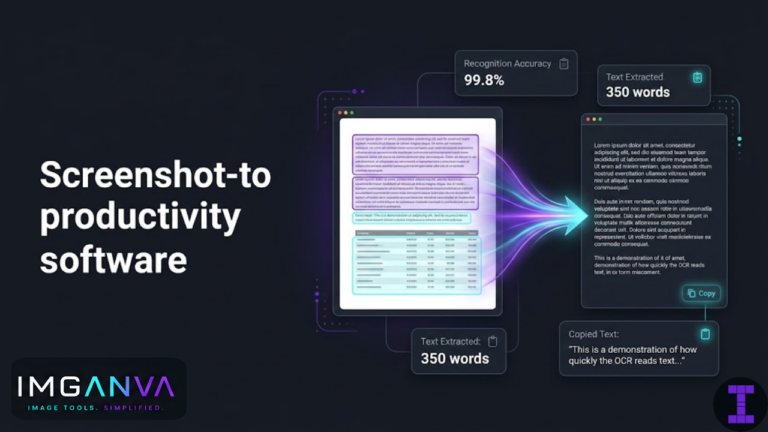
An image to text converter is an OCR-powered (Optical Character Recognition) tool that scans an image and converts the visible text into an editable and selectable format.
These tools can extract text from:
-
Scanned documents (PDFs, contracts, invoices)
-
Photos taken from mobile phones
-
Screenshots and presentations
-
Receipts, handwritten notes, and forms
Modern AI-based OCR technology allows image to text converters to recognize multiple languages, handwriting, numbers, and structured layouts with high accuracy.
Why Copying Text from Images Is a Common Challenge
People frequently share information as images when dealing with:
-
Printed documents
-
Physical notes
-
Receipts and bills
-
Certificates or official paperwork
The main problem?
👉 Text inside images cannot be copied or edited directly.
Manually retyping the text might work for small content, but for long documents, it becomes:
-
Time-consuming
-
Error-prone
-
Inefficient
An image to text converter automates this entire process in seconds.
How an Image to Text Converter Works
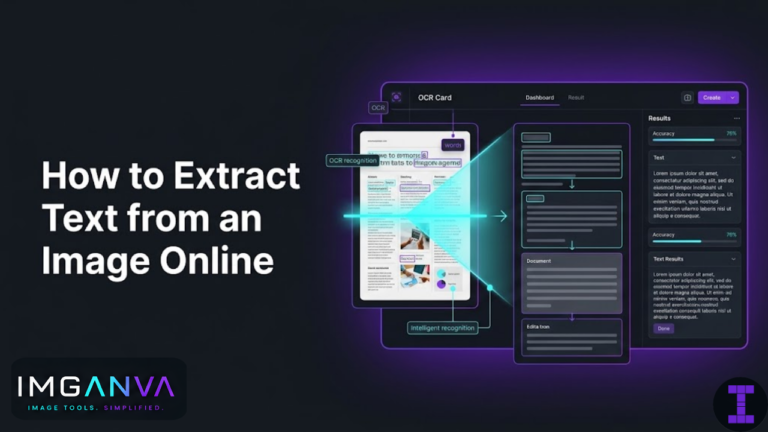
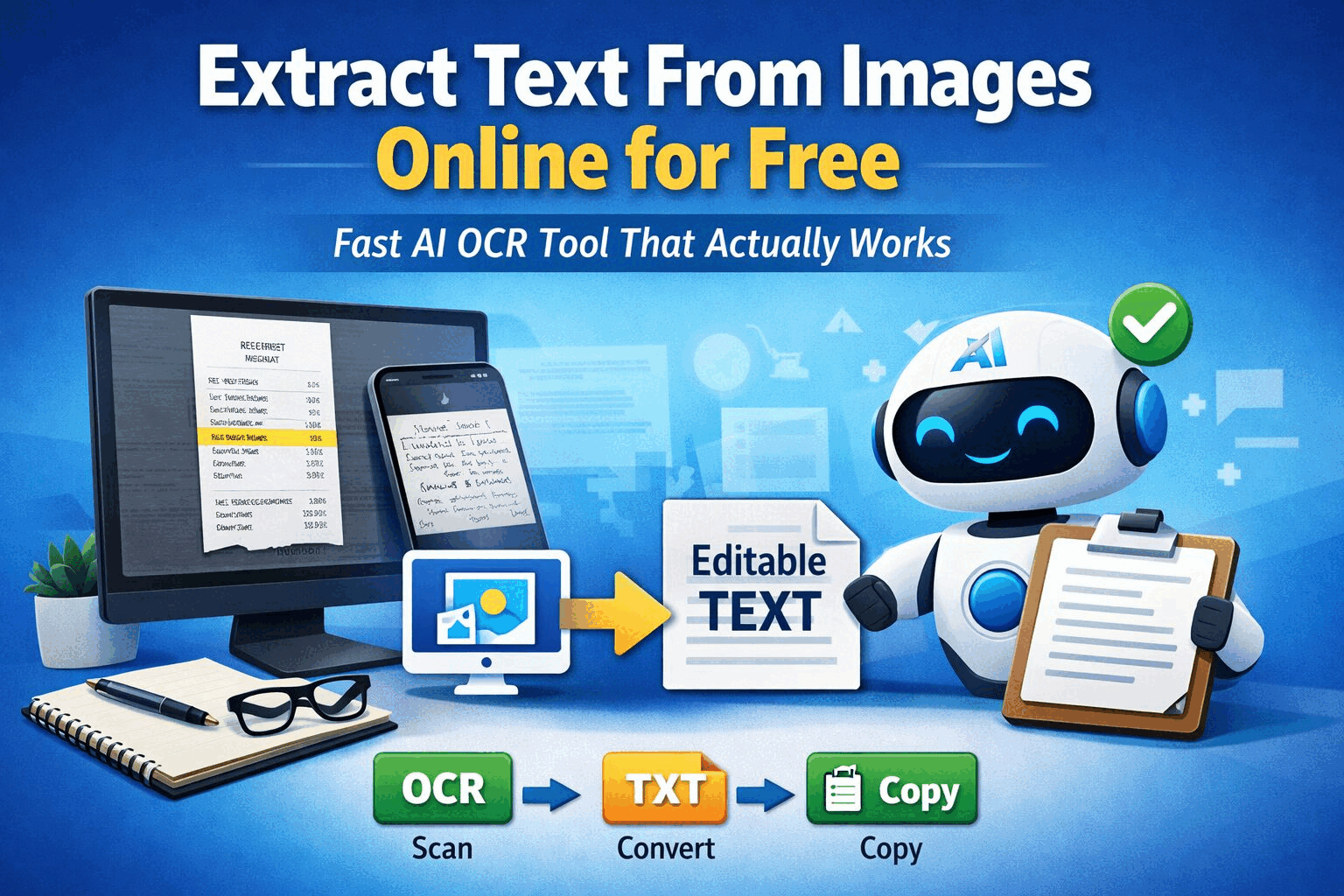
Most image to text converters follow a simple workflow:
-
Upload the image (drag & drop, browse, paste, or URL)
-
OCR scans the image and detects text
-
AI processes characters, layout, and language
-
Editable text is generated
-
Copy or download the extracted text
This process turns image-based content into usable digital data instantly.
Key Benefits of Using an Image to Text Converter
1. Eliminates Manual Data Entry
Instead of typing text line by line, OCR tools extract content instantly—saving hours of work.
2. Improves Accuracy
Manual transcription often leads to errors. AI-powered OCR ensures consistent and precise text extraction.
3. Saves Time & Effort
What once took minutes—or even hours—now takes seconds.
4. Enables Automation
Extracted text can be integrated into digital systems, CRMs, accounting software, or document workflows.
Real-World Use Cases of Image to Text Conversion
📄 1. Business Document Processing
Companies deal with invoices, contracts, and reports daily. Image to text converters help:
-
Digitize scanned documents
-
Make files searchable
-
Speed up approvals and audits
🧾 2. Invoice & Receipt Extraction
Finance teams use OCR to:
-
Extract invoice numbers, amounts, and dates
-
Automate bookkeeping
-
Reduce payment delays and errors
📂 3. Form & Application Processing
From HR to customer onboarding, OCR tools:
-
Convert printed or handwritten forms into digital data
-
Improve compliance accuracy
-
Reduce processing time
👩💼 4. Resume Parsing & HR Automation
Recruiters can:
-
Extract candidate details automatically
-
Feed data into applicant tracking systems
-
Speed up hiring decisions
🎓 5. Students & Educators
Students use image to text converters to:
-
Copy notes from textbooks
-
Digitize handwritten content
-
Create editable study material
How to Choose the Right Image to Text Converter
When selecting an image to text converter, consider these factors:
-
OCR accuracy
-
Language support
-
Supported image formats
-
Batch processing capability
-
Data security
-
Ease of use
Online tools are ideal for quick conversions, while premium or enterprise solutions work better for bulk processing.
Free vs Paid Image to Text Converters
Most free tools:
-
Allow limited image uploads
-
Support basic text extraction
-
Are ideal for occasional use
Premium plans:
-
Allow batch conversion (50+ images)
-
Offer higher accuracy
-
Include advanced language and layout recognition
-
Are better for businesses and professionals
Final Thoughts: Why Image to Text Conversion Matters
An image to text converter is no longer optional—it’s a productivity essential.
Whether you want to:
-
Copy text from images
-
Digitize documents
-
Automate business workflows
-
Reduce manual errors
OCR-powered image to text tools provide a fast, reliable, and scalable solution.
As businesses and individuals move toward automation, image to text conversion plays a key role in transforming static images into usable, searchable, and editable data.
If efficiency matters to you, image to text conversion is a tool you can’t afford to ignore.
Frequently Asked Questions (FAQs)
What is the best image to text converter?
The best image to text converter is one that offers high OCR accuracy, multi-language support, batch processing, and secure data handling.
Is image to text conversion accurate?
Yes, modern AI-powered OCR tools achieve high accuracy, especially with clear images and printed text. Handwriting accuracy depends on clarity.
Can image to text converters extract handwritten text?
Yes, advanced OCR tools can recognise handwritten text, though accuracy may vary based on handwriting style.
Are image to text converters free?
Many tools offer free plans with limited usage. Premium plans allow bulk processing and higher accuracy.
Is image to text conversion secure?
Most reputable tools delete uploaded images automatically and use encrypted data processing to ensure privacy.