
Most portals asking for a 50KB photo don’t care how you get there, they just reject anything larger. If you’ve tried dragging quality sliders in random apps and still ended up with a 90KB file, this guide walks through what actually works.
Key Takeaways
- 50KB is a tight limit, so you’ll usually need to reduce both dimensions and quality, not just one.
- JPG compresses better than PNG for photos, which makes it the right format for this job.
- Quality settings between 40 and 60 usually hit 50KB for a standard passport-style photo.
- Resizing to smaller pixel dimensions before compressing gives you more room to keep quality decent.
- Automated tools that target an exact KB size save time over manual trial and error.
Why Getting to Exactly 50KB Is Harder Than It Sounds
A JPG straight out of a phone camera is often 2MB to 5MB. Getting from there down to 50KB means cutting file size by roughly 98%. That’s not a small adjustment, it’s a full rework of both resolution and compression quality.
The problem most people run into: lowering quality alone only gets you so far before the image starts looking blocky or smudged. The better approach combines two things: shrinking the pixel dimensions and applying a moderate JPG quality setting, rather than pushing quality down to extreme lows on a huge image.
Fastest Way to Compress a JPG to 50KB
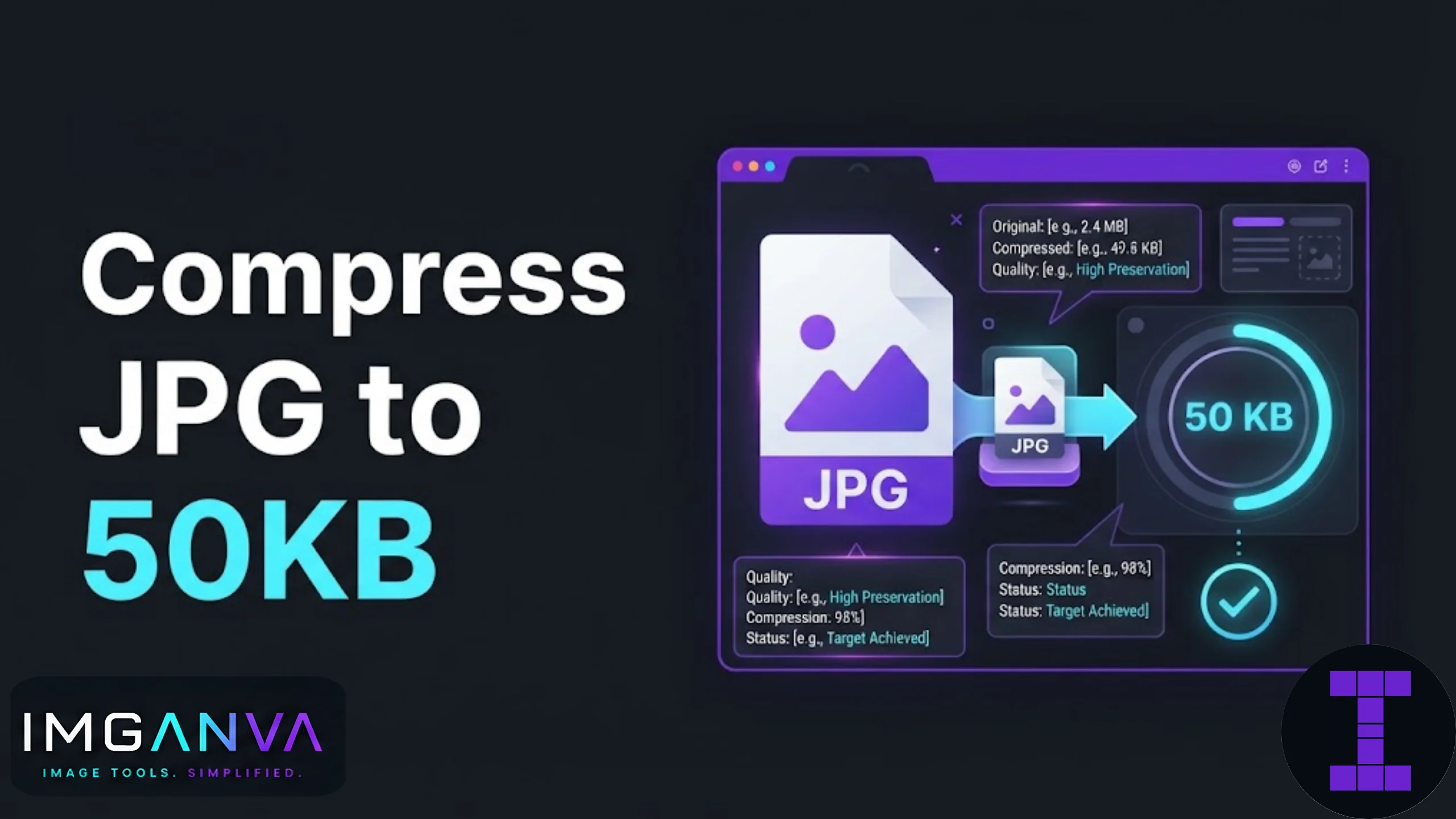
Use Imganva’s Compress Image to 50KB tool. Upload your JPG, and it automatically adjusts resolution and quality together to land at 50KB, instead of you guessing at slider values. This works entirely in your browser, so the file never leaves your device.
Step-by-Step
- Open the Compress Image to 50KB page.
- Upload your JPG file.
- Let the tool process it, it targets 50KB automatically.
- Preview the result to check the photo still looks clear.
- Download the compressed file.
If you need to hit a different target instead of 50KB, the Change Image Size in KB tool lets you set any custom value.
What Quality Setting Gets You to 50KB
These numbers vary by image content and original resolution, but they give a starting point for manual compression.
| Original Dimensions | Approx Quality Needed | Result |
|---|---|---|
| 1200 x 1600 px | 30-40% | Usually under 50KB, some quality loss visible |
| 800 x 1000 px | 50-60% | Close to 50KB with better detail retention |
| 413 x 531 px (passport standard) | 70-80% | Comfortably under 50KB, minimal visible loss |
The pattern here matters more than the exact numbers: smaller starting dimensions let you use a higher quality setting and still land under the limit. That’s why resizing first, then compressing, tends to give a cleaner result than compressing alone.
JPG vs PNG for 50KB Targets
| Format | Compresses to 50KB Easily? | Best For |
|---|---|---|
| JPG | Yes, designed for this | Photos, passport photos, scanned documents |
| PNG | Difficult, often stays large | Logos, screenshots with text, transparency |
| WEBP | Yes, sometimes better than JPG | Web images, modern browsers |
If your file is currently a PNG and you need it under 50KB, converting it to JPG first will make the job much easier. The Image Converter tool handles that conversion in a few seconds.
Where a 50KB Limit Usually Shows Up
This size cap is common across Indian exam and government portals, and applications often specify it for photo uploads specifically, separate from signature or document limits. It also comes up in job application forms, some university admission portals, and older government login systems that haven’t updated their upload limits in years.
Common Mistakes
- Compressing without resizing first. A 4000px wide photo pushed down to 50KB quality-only will look worse than a properly resized smaller image at higher quality.
- Uploading a PNG when JPG is expected. Some portals technically accept PNG but the file rarely compresses small enough, leading to repeated rejected uploads.
- Compressing repeatedly in different apps. Each re-compression of an already-compressed JPG degrades quality further. Start from the original file each time.
- Ignoring dimension requirements. Some portals specify both a KB limit and exact pixel dimensions (like 200x230px for certain exam photos). Hitting the file size without matching dimensions still gets rejected.
When 50KB Isn’t the Right Target
Double-check the actual requirement before compressing. Some forms ask for under 50KB, others ask for between 20KB and 50KB, and a few use KB for signatures but a different limit for the photo itself. Compressing too aggressively to hit a much smaller number than needed just costs you image quality for no reason.
Related Reading
For the full picture on compression settings, formats, and when to use which approach, see the Complete Image Compression Guide 2026.
How do I compress a JPG to exactly 50KB?
Use an automated tool like Imganva’s Compress Image to 50KB tool, which adjusts resolution and quality together to hit the target instead of requiring manual guesswork.
Will compressing to 50KB ruin my photo quality?
Not necessarily. If you resize the image to smaller dimensions before compressing, you can use a higher quality setting and keep the photo looking clear.
Can I compress a PNG to 50KB the same way?
PNG files usually don’t compress as small as JPG for photos. Converting the PNG to JPG first makes reaching 50KB much easier.
What quality percentage should I use for a 50KB JPG?
It depends on the original dimensions, but 40-60% quality is a common starting point for standard photo sizes.
Why does my exam portal reject my photo even though it’s under 50KB?
Some portals also require specific pixel dimensions alongside the file size limit. Check both requirements before uploading.
Is it better to resize or compress first?
Resize first. Starting with smaller pixel dimensions means less compression is needed, which keeps more visible detail.
Can I use this for passport or visa photos?
Yes, many passport and visa portals specify a similar KB limit. Just confirm the exact requirement since some ask for 20KB, 50KB, or 100KB depending on the country or form.
Does compressing an image multiple times lower its quality further?
Yes, repeated compression of an already compressed JPG causes cumulative quality loss. Always compress from the original file.
What’s the difference between compressing to 50KB and resizing to a preset like passport size?
Compressing targets file size in KB, while resizing targets pixel dimensions. Some forms need both handled together.
Is there a way to compress images on mobile to 50KB?
Yes, browser-based tools like Imganva’s compressor work directly on mobile browsers without needing to install an app.
Summary
Reaching exactly 50KB on a JPG usually means resizing the image down first, then applying a moderate quality setting, rather than compressing an oversized photo directly. Automated tools handle this balance automatically and save the trial-and-error most people go through manually. If your form specifies exact pixel dimensions alongside the KB limit, confirm both before uploading to avoid repeated rejections.