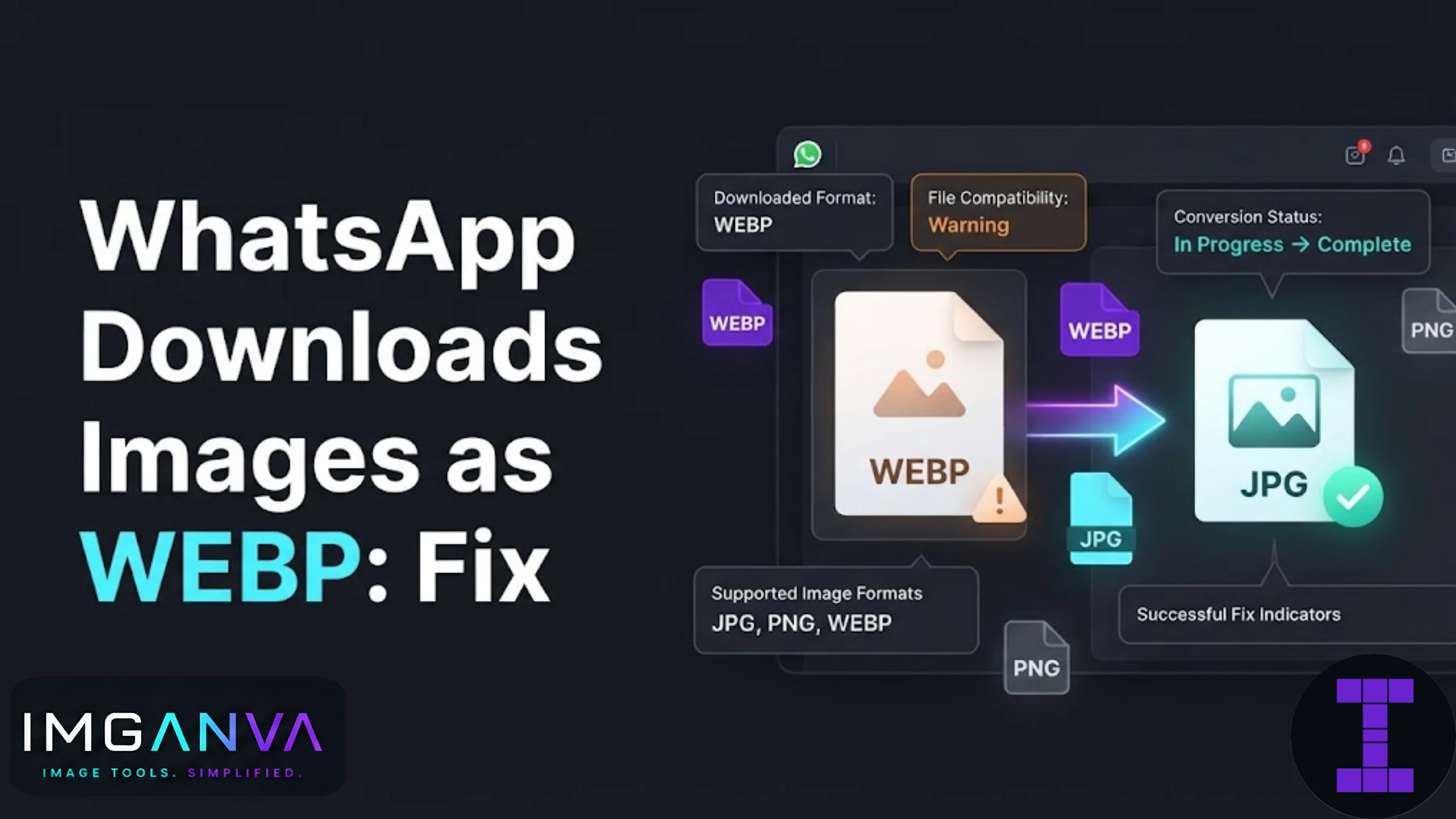

If a photo someone sent you on WhatsApp opens as a WEBP file instead of a normal JPG or PNG, you’re not imagining things. WhatsApp has been quietly shifting some image downloads to WEBP format, and it catches a lot of people off guard, especially when that file refuses to open in an older app, won’t upload to a form, or looks fine on your phone but breaks the moment you try to share it somewhere else.
This is a format issue, not a broken download. Here’s why it happens and how to get a normal JPG or PNG back in seconds.
Key Takeaways
- WhatsApp sometimes saves images as WEBP to reduce file size and speed up sharing.
- WEBP files are valid images, but many older apps, printers, and government portals don’t accept them.
- Converting WEBP to JPG or PNG takes seconds using the Image Converter.
- Stickers sent via WhatsApp are almost always WEBP by design and are meant to stay that way.
- Photos, on the other hand, should usually download as JPG, so a WEBP photo file is often just a compression side effect.
Why WhatsApp Downloads Images as WEBP
WhatsApp compresses nearly everything sent through chat to save bandwidth, both for the sender and for its own servers. WEBP is Google’s answer to smaller file sizes without a big visible quality drop, so WhatsApp leans on it in a few specific situations:
- Stickers are built as WEBP from the ground up. This is intentional and not something you need to fix.
- Some photos, particularly ones forwarded multiple times or sent through certain Android builds, get re-encoded as WEBP during compression.
- Media backups restored from Google Drive or iCloud can occasionally convert images to WEBP depending on backup settings.
- “View Once” photos and some documents sent as images may also pick up WEBP encoding depending on the WhatsApp version.
None of this means your photo is damaged. WEBP still holds the same image, just wrapped in a format that fewer programs recognize by default.
Sticker WEBP vs Photo WEBP: What’s the Difference
| Type | Is WEBP Expected? | Should You Convert It? |
|---|---|---|
| WhatsApp Sticker | Yes, always | Only if you want to reuse it as a regular image elsewhere |
| Regular Photo | Sometimes | Yes, if you need to upload it, print it, or open it in an app that rejects WEBP |
| Forwarded Image | Often | Yes, especially for exam forms or job applications |
| Document sent as image | Rarely | Convert if the receiving app shows an error |
How to Fix It: Convert WEBP Back to JPG or PNG
The fastest fix doesn’t involve digging through WhatsApp settings. Just convert the file after it downloads.
- Save the image from WhatsApp to your phone or computer as usual.
- Open the Image Converter in your browser.
- Upload the WEBP file.
- Choose JPG for photos, or PNG if the image has transparency or text you want to keep sharp.
- Download the converted file and use it wherever you originally needed it.
No app installation, no settings menus. This works the same whether you’re on a phone, laptop, or a shared computer at a cyber cafe, which matters for anyone converting a photo for an exam form under time pressure.
When the File Size Also Matters
Sometimes the WEBP file opens fine after conversion but the resulting JPG is larger than a portal will accept. Government exam applications especially, including UPSC, SSC, IBPS, and NTA forms, often cap photo uploads at 20KB to 200KB. If your converted photo lands above that limit, run it through the Image Compressor next, or use Change Image Size in KB to hit an exact target like 50KB or 100KB without guessing quality settings manually.
Common Mistakes People Make
- Renaming the file extension manually. Changing “photo.webp” to “photo.jpg” by editing the filename does not actually convert the image data. The file will still fail to open correctly in most programs.
- Assuming WEBP is a broken file. It’s a legitimate, often smaller format. The issue is compatibility, not corruption.
- Converting stickers unnecessarily. If you just want to view a sticker, WEBP works fine in most modern photo viewers and browsers.
- Skipping compression after conversion. A converted JPG can still be too large for a strict upload portal, so check the size limit before submitting.
Can You Stop WhatsApp From Sending WEBP Photos?
There isn’t a dedicated setting inside WhatsApp to force JPG downloads for every photo. The compression method WhatsApp uses depends on the sender’s device, app version, and network conditions at the time the image was sent, all of which are outside your control as the recipient. The practical fix stays the same: convert on your end after the file lands on your device.
This ties into the broader question of when to use JPG, PNG, or WEBP in the first place, which is covered in more depth in the Image Format Conversion Guide 2026.
Why did my WhatsApp photo download as a WEBP file instead of JPG?
WhatsApp sometimes compresses images using WEBP to reduce file size, especially for forwarded photos or certain Android devices. This is expected behavior, not a corrupted download.
Is a WEBP image lower quality than JPG?
Not necessarily. WEBP often keeps similar visual quality at a smaller file size compared to JPG, though results can vary depending on the original image.
How do I open a WEBP file if my phone won’t display it?
Most modern browsers and photo apps open WEBP directly. If yours doesn’t, convert the file to JPG using the Image Converter for guaranteed compatibility.
Can I just rename a WEBP file to .jpg to fix it?
No. Renaming only changes the file extension text, not the actual image data, so the file will still fail to open correctly in programs that don’t support WEBP.
Why do WhatsApp stickers always download as WEBP?
Stickers are built using the WEBP format by design because it supports transparency and small file sizes well. This is normal and doesn’t need fixing unless you want to reuse the sticker as a regular photo.
Will converting a WEBP photo to JPG reduce its quality?
There can be a small quality difference during conversion, but for most photos sent through WhatsApp the difference is not noticeable, since WhatsApp already compresses the image beforehand.
My converted JPG photo is still too large for an exam application form. What should I do?
Use an image compressor after converting to bring the file down to the required KB limit, such as 50KB or 100KB depending on the exam portal’s rules.
Does this WEBP issue happen on iPhone too, or only Android?
It happens on both, though it’s more commonly reported on Android due to differences in how WhatsApp compresses media across operating systems.
Can I convert multiple WEBP images at once?
Yes, most online converters, including Imganva’s Image Converter, support uploading and converting several WEBP files in one session.
Is there a way to permanently stop WhatsApp from sending WEBP files to me?
Not directly, since the format depends on the sender’s device and app version rather than a setting on the receiving end. Converting after download remains the most reliable fix.
Summary
A WhatsApp photo landing on your device as WEBP isn’t a glitch, it’s just WhatsApp trying to save bandwidth during compression. Stickers are meant to be WEBP and don’t need any changes. Photos are a different story: if a WEBP image won’t open where you need it, whether that’s an old printer app, a job portal, or an exam upload form, converting it to JPG or PNG solves the problem in one step. If size limits are also part of the equation, pair the conversion with a quick compression pass to land under the exact KB target required.