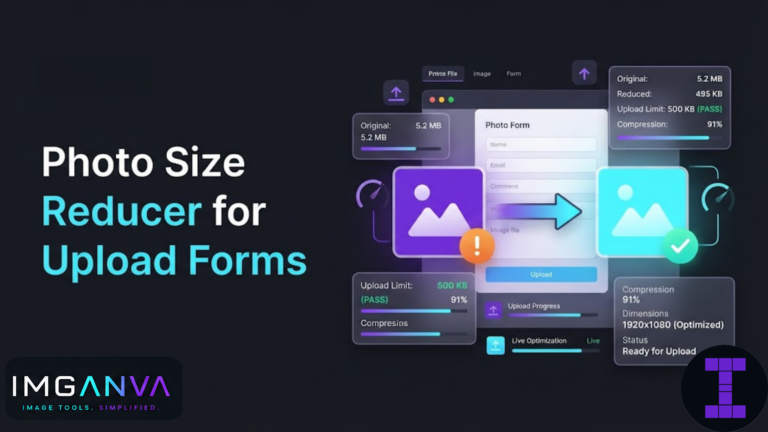
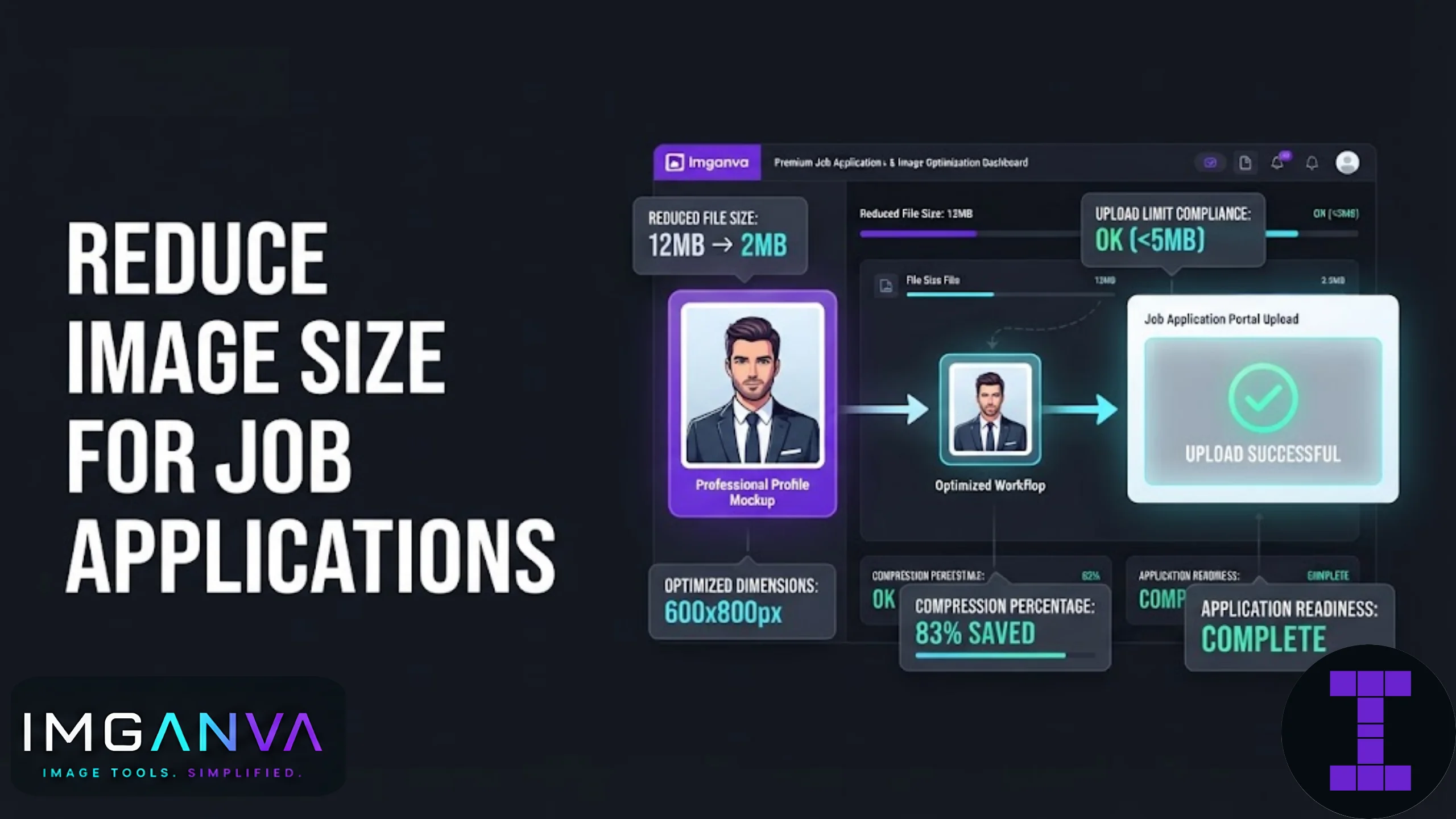

Most job portals reject photos that are too large, too small, or in the wrong format. You’ve probably hit this wall already: you upload your photo or scanned certificate, and the site throws back an error like “file must be under 100KB” or “please upload a JPG under 200KB.” The fix takes two minutes once you know what the portal actually wants.
Key Takeaways
- Most job application portals cap photo uploads between 20KB and 200KB, and documents between 200KB and 1MB.
- JPG is the standard format for photos; PDF or JPG works for scanned documents.
- Reducing dimensions first, then adjusting quality, gets you to a target file size faster than compression alone.
- A free online image compressor can hit an exact KB target without installing any software.
- Government job portals (SSC, IBPS, RRB, UPSC) often have stricter and more specific rules than private company career pages.
Why Job Portals Are So Strict About File Size
Career portals and government recruitment sites run on servers built years ago, and many still haven’t been upgraded to handle large uploads at scale. When thousands of applicants submit photos during a recruitment window, oversized files slow everything down. So the limits exist for a practical reason, not just bureaucracy.
There’s also a consistency issue. HR teams and exam boards want every applicant’s photo to look uniform in size and quality when printed on admit cards, ID badges, or verification sheets. A 5MB photo straight from a phone camera doesn’t fit that mold, so the system rejects it before a human even sees it.
Typical Size Requirements Across Job Applications
Requirements vary by platform, but most fall into predictable ranges. Here’s what to expect:
| Application Type | Photo Size Limit | Document Size Limit | Accepted Formats |
|---|---|---|---|
| Private company career portals | 50KB – 200KB | 500KB – 2MB | JPG, PNG, PDF |
| Government job portals (SSC, RRB, IBPS) | 20KB – 50KB | 50KB – 300KB | JPG only (mostly) |
| LinkedIn Easy Apply | No strict cap (auto-optimized) | Up to 2MB | PDF, DOC |
| Naukri / Indeed profile photo | Under 2MB (auto-resized) | Up to 5MB | JPG, PNG |
| University recruitment cells | Varies, often under 100KB | Under 1MB | JPG, PDF |
Government exam bodies are usually the pickiest. If you’re applying through SSC, IBPS, RRB, or a similar portal alongside your job search, check the exact specification on the notification PDF before uploading, since these numbers change slightly between recruitment cycles.
Step-by-Step: Reducing Your Photo for Job Applications
- Start with a clear, recent photo. A phone camera photo works fine as long as it’s well-lit and in focus. Avoid heavily filtered or low-resolution images since compression will make quality loss more visible.
- Crop to the required dimensions first. Most portals want passport-style dimensions (200x230px is common in India) or a square headshot ratio. Cropping before compressing avoids wasted file size on unnecessary background.
- Convert to JPG if it isn’t already. JPG compresses more efficiently than PNG for photographs. If your file is a PNG or HEIC, run it through an image converter first.
- Compress to the target KB. Use an image compressor that lets you set a specific size target, rather than guessing with quality sliders.
- Check the preview before submitting. Zoom in on your face and any visible text (like a name badge or signature) to confirm nothing has turned blurry or blocky.
Photos vs. Documents: Different Compression Approaches
Job applications usually need two different kinds of files, and they don’t compress the same way.
| File Type | Best Format | Compression Approach | What to Watch For |
|---|---|---|---|
| Profile / passport photo | JPG | Reduce dimensions, then adjust quality to hit target KB | Facial detail, sharpness around eyes |
| Signature scan | JPG or PNG | Keep contrast high, compress gently | Signature strokes shouldn’t blur or fade |
| Degree / marksheet scan | PDF or JPG | Compress per page if PDF, resize if scanned as image | Text must remain legible, especially small print |
| ID proof (Aadhaar, PAN) | JPG or PDF | Light compression, preserve number visibility | Numbers and photo on the ID shouldn’t blur |
Documents with text need more caution than photos. A blurry face is annoying, but a blurry certificate number can get your application rejected during verification. When in doubt, compress documents less aggressively than photos.
Common Mistakes to Avoid
- Compressing without checking the required dimensions first. A correctly sized-in-KB photo that’s the wrong pixel dimensions still gets rejected on many government portals.
- Using PNG for photographs. PNG is lossless and built for graphics with flat colors, not photos. It produces much larger files for the same visual quality.
- Over-compressing scanned documents. Pushing a certificate scan down to 20KB often makes small text unreadable. Documents can usually afford a slightly higher size limit than photos.
- Ignoring the format requirement. Some portals explicitly reject PDFs for photo uploads or reject JPGs for document uploads. Read the fine print on the application page.
- Resubmitting the same oversized file after a failed upload. If the portal doesn’t tell you the exact reason for rejection, assume it’s size or format and check both before trying again.
When Compression Alone Isn’t Enough
Sometimes a photo is too large in pixel dimensions even after heavy compression, and quality drops before you hit the target size. In that case, resizing the dimensions down first, say from 3000x4000px to 600x800px, gives compression far less work to do, and the result looks noticeably sharper than compressing a huge image straight to a tiny file size. An image resizer handles this dimension step separately from compression.
If you’re applying to multiple portals with different requirements, it’s worth keeping one high-quality master copy of your photo and generating size-specific versions from that master each time, rather than repeatedly compressing an already-compressed file. Recompressing a JPG that’s already been compressed multiple times causes visible quality loss that’s hard to reverse.
Quick Reference: Getting to an Exact File Size
| Target Size | Typical Use Case | Recommended Tool |
|---|---|---|
| Under 50KB | Government portal photo uploads | Compress to 50KB |
| Under 100KB | Private company photo/document uploads | Compress to 100KB |
| Custom KB target | Portals with unusual size caps (e.g. 35KB, 80KB) | Change image size in KB |
For a broader look at how compression settings, quality, and formats interact, the Complete Image Compression Guide 2026 covers the underlying concepts in more depth.
What is the ideal photo size for job applications?
Most portals want photos between 20KB and 200KB, in JPG format, sized around 200x230px for passport-style uploads. Always check the specific portal’s instructions since limits vary.
Can I use a PNG photo for a job application?
Only if the portal specifically allows it. Most job portals expect JPG for photos since it compresses better and keeps file sizes small without heavy quality loss.
Why does my photo keep getting rejected even after compressing it?
It’s often a dimension issue rather than file size. Many portals require exact pixel dimensions alongside a KB limit, so check both requirements before uploading.
How small can I compress a certificate scan without losing readability?
Keep scanned documents above 100KB where possible. Going lower often blurs small text, which can cause issues during document verification.
Is there a difference between compressing a photo and compressing a document?
Yes. Photos tolerate more compression since minor detail loss isn’t critical, while documents need higher quality to keep text and numbers legible.
What file size do government job portals like SSC or IBPS usually require?
Government portals typically ask for photos between 20KB and 50KB and signatures under 20KB, almost always in JPG format. Check the official notification for exact figures each recruitment cycle.
Should I resize or compress first?
Resize the dimensions first, then compress. Reducing pixel dimensions before compression usually produces a sharper result at the same target file size.
Can I reduce image size without any software installation?
Yes, free browser-based tools can compress and resize images directly without installing anything, which works fine for one-off application uploads.
Why do some portals want PDF instead of JPG for documents?
PDF preserves multi-page documents and text formatting better than a single image file, which is why certificates and resumes are often requested as PDF.
What happens if my photo is the right file size but wrong dimensions?
Many automated portals reject it anyway, since they check both file size and pixel dimensions before accepting an upload.
Summary
Job application photo and document limits exist for practical reasons, not to make your life harder. Get the dimensions right first, pick the correct format for photos versus documents, and compress to the exact KB target the portal asks for. Keep a high-quality master file so you’re not repeatedly recompressing an already-compressed image every time a new application comes up.